

How to Create a Tech-Safe Safety Plan in 5 Minutes
Hey there. If you’re reading this, you might be feeling a little overwhelmed, maybe even a bit watched. First, take a deep breath. You are here, you are seeking information, and that is a massive step toward reclaiming your peace.
In today’s world, our lives are lived through our screens. While technology keeps us connected to friends and support systems, it can also be used as a tool for control or harassment. Creating a tech-safe safety plan doesn’t have to be a multi-day project that leaves you feeling drained. In fact, you can make some significant moves toward digital privacy in just five minutes.
At Blooming Lilies, we believe that your digital space should be a sanctuary, not a source of anxiety. Let’s walk through some quick, actionable steps to lock down your tech and protect your peace of mind.
Why Digital Safety is a Priority Right Now
When we talk about safety planning, we often think about physical locks and emergency bags. But in the digital age, coercive control often shows up through shared passwords, location tracking, and "checking in" via social media.
An abuser might use technology to:
- Monitor your movements via GPS or "Find My" apps.
- Read your private messages or emails.
- Impersonate you on social media to isolate you from friends.
- Track your search history to see if you’re looking for help.
Understanding these risks isn't meant to scare you, it's meant to empower you. Knowledge is your greatest tool. If you’re unsure where you stand, you might want to take our Domestic Violence Assessment to help clarify your situation.

The 5-Minute Tech-Safe Sprint
If you only have a few minutes of privacy, these are the high-impact moves you should make immediately. These steps are designed to be quick and discreet.
1. The Password Power-Up (60 Seconds)
Don’t just change your password to something obvious like a pet’s name or a birthday. Think of a passphrase.
-
Do this: Choose four random words, add a number, and a symbol (e.g.,
CoffeeTableCloudBlue!7). - Prioritize: Start with your primary email and your main social media account. If someone has access to your email, they can "reset" passwords for almost every other account you own.
2. Lock the Front Door with Two-Factor Authentication (60 Seconds)
Two-Factor Authentication (2FA) is like having a deadbolt on your digital door. Even if someone guesses your password, they can’t get in without a code sent to your phone.
- Action: Go to Settings > Security on your most important apps (Facebook, Instagram, Gmail) and toggle on 2FA.
- Safety Tip: If you’re worried about a code popping up on your screen while someone else is looking, you can use an authenticator app instead of SMS.
3. Ghost Your Location (60 Seconds)
Our phones are constantly broadcasting where we are.
- Action: Turn off "Find My iPhone" or "Google Location Sharing" if it’s being shared with a partner.
- Quick Check: Look at your Bluetooth settings. If there are "unknown" devices connected, unpair them. Sometimes, small tracking tags (like AirTags) can be synced via Bluetooth without your knowledge.
4. Audit Your Shared Access (60 Seconds)
Many of us share Netflix, Amazon, or even phone plans.
- Action: If it is safe to do so, log out of "all devices" in your account settings. This forces everyone to log back in with the new password you just created.
- Warning: If you think changing a password will escalate a dangerous situation, wait until you are in a safe location to do this. Your physical safety always comes first.
5. Clear the Digital Paper Trail (60 Seconds)
If you’ve been searching for resources or legal advice, your browser history tells a story.
- Action: Use "Incognito" or "Private" mode for future searches. For your current history, clear the last hour of browsing rather than the whole day, as clearing everything at once can sometimes look suspicious.

Documenting the Digital Trail
One of the most powerful things you can do while navigating a difficult situation is to keep a log. Technology-facilitated abuse often leaves a trail, but it can be deleted or "disappeared" quickly.
If you receive harassing texts, see suspicious logins, or notice that your social media has been tampered with:
- Take Screenshots: Capture the date, time, and the sender’s info.
- Email them to a "Safe" Account: Create a brand-new email address that nobody knows about and send the evidence there.
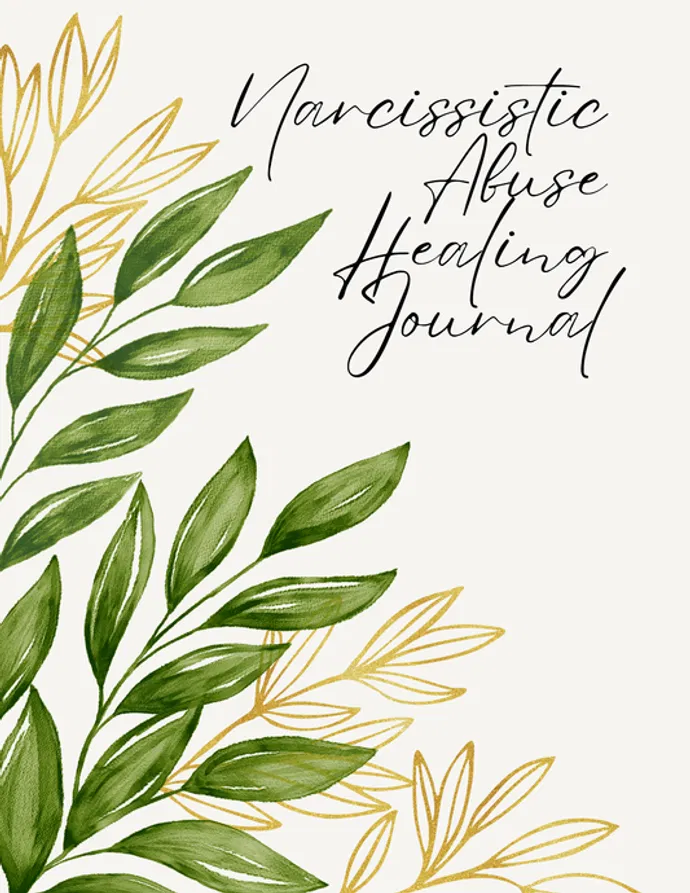
- Keep a Physical Log: Sometimes, writing things down helps you see patterns. Our Narcissistic Abuse Healing Journal is a beautiful, discreet way to process your feelings and keep track of your journey toward freedom.
Moving Toward Long-Term Digital Privacy
The 5-minute plan is a great start, but true digital safety is a journey. Once you have a little more time and space, consider these deeper steps:
- The "Safe" Device Rule: If you suspect your phone has spyware or monitoring software, stop using it for sensitive tasks. Use a computer at a public library, a trusted friend’s phone, or a "burner" phone bought with cash.
- Social Media Lockdown: Review your privacy settings. Who can see your posts? Who can tag you? Sometimes, a well-meaning friend tagging you in a photo at a local coffee shop is all it takes for an abuser to find you.
- Check Your Cloud: Services like iCloud and Google Photos automatically upload your pictures. If your partner has the login to your cloud account, they can see every photo you take, including screenshots of safety plans or new apartments.
If you’re planning a move or a major life change, staying organized is key to reducing stress. Our Relocation Planner can help you keep track of all the moving parts, digital and physical, so nothing falls through the cracks.
Healing Your Heart While Protecting Your Data
It’s easy to get caught up in the technical side of things and forget that this process is emotionally exhausting. You aren't just managing "data"; you are managing a crisis. It is okay to feel tired. It is okay to feel angry that you have to do this at all.
At Blooming Lilies, we focus on holistic healing. Protecting your phone is important, but protecting your spirit is vital. As you work through your safety plan, try to incorporate small moments of mindfulness. Even a few minutes with a Mindful Moments Journal can help ground your nervous system when the tech-talk starts to feel like too much.
Remember, you are incredibly resilient. You have navigated challenges that most people can't imagine, and you are still standing. Reclaiming your digital privacy is just one more way you are taking back your power.

Resources for Your Journey
You don’t have to do this alone. There are people and organizations ready to stand by you.
- Crisis Support: If you are in immediate danger, please reach out to professional support services. You can find a list of Crisis Lines on our website.
- Safe Browsing: If you are worried about your data on our site, you can always visit our Data Sharing Opt-Out page.
- Community: Sometimes, just knowing others have walked this path makes it feel less lonely. Browse our FAQs for more information on how we support survivors.
Take the Next Step
Whether you just changed one password or you’ve overhauled your entire digital life today, you should be proud of yourself. Every step toward safety is a win.
If you’re looking for a way to process the complex emotions that come with leaving an abusive situation, our PTSD & Trauma Processing Workbook offers a gentle, guided way to start healing from the inside out.
You are worthy of safety. You are worthy of privacy. And you are definitely strong enough to do this.
Stay safe, stay brave, and keep blooming. If you need to reach out, we are always here at our Contact Page.